How to make a zero-based budget, step by step
A zero-based budget is a plan where your income minus everything you assign equals exactly $0. That does not mean you spend every dollar. It means every dollar gets a job before the month starts: a bill, groceries, savings, extra debt payments or fun money.
This guide shows how to make a zero-based budget in six steps, with a full example month, tips for biweekly and irregular pay, and the mistakes that trip people up most often.
What "zero" really means
The formula is simple:
Income − (bills + spending + saving + debt payments) = $0
Savings count as a job. So does an extra payment on a credit card. If you have $300 left after your bills and you move it to your emergency fund, your budget is at zero. The point is that no money is left unplanned, where it tends to slip away on small purchases.
You also build the budget fresh each month instead of copying last month. Costs change: a birthday, a school trip, a higher electric bill in July. Starting from zero makes you look at each line again.
How to make a zero-based budget in 6 steps
- Write down your take-home income for the month. Use the amount that lands in your account after taxes and deductions, not your salary. Add every source: paychecks, side work, child support, benefits. If an amount is not certain, leave it out for now.
- List your fixed bills. Rent or mortgage, utilities, phone, insurance, car payment, minimum debt payments, childcare. Look at last month's bank statement so you do not miss any automatic charges.
- Add your everyday spending. Groceries, gas, household supplies, eating out, personal care. Use your last two or three months of spending as a starting guess, then adjust.
- Plan for costs that do not come every month. Car repairs, holiday gifts, annual subscriptions, back-to-school costs. Divide each yearly cost by 12 and set that amount aside monthly. These are called sinking funds; our sinking funds guide explains how to set them up.
- Give the rest a job. Whatever is left goes to your goals: an emergency fund, extra debt payments, retirement or a savings goal. Keep going until the "left to assign" line reads $0.
- Track during the month and adjust. Log what you spend. If groceries run $40 over, take $40 from another category, such as eating out, so the total still balances. Moving money between lines is part of the method, not a failure.
A zero-based budget example
Here is one month for a household with two biweekly paychecks of $2,140 and $320 of side income. Total take-home income is $4,600.
| Category | Planned amount | Left to assign |
|---|---|---|
| Income (2 paychecks + side work) | $4,600 | $4,600 |
| Rent | $1,450 | $3,150 |
| Electric, gas and water | $210 | $2,940 |
| Phone and internet | $130 | $2,810 |
| Car insurance | $140 | $2,670 |
| Groceries | $620 | $2,050 |
| Gas and transit | $200 | $1,850 |
| Debt minimum payments | $310 | $1,540 |
| Extra debt payment | $250 | $1,290 |
| Emergency fund | $400 | $890 |
| Sinking funds (car repairs, gifts, annual fees) | $300 | $590 |
| Household and personal care | $120 | $470 |
| Medical copays | $60 | $410 |
| Subscriptions | $45 | $365 |
| Eating out | $140 | $225 |
| Fun money | $100 | $125 |
| Giving | $75 | $50 |
| Buffer for small surprises | $50 | $0 |
| Total assigned | $4,600 | $0 |
The "left to assign" column is the running balance. When it hits $0, the budget is done. Notice that $950 of the $4,600 goes to savings and extra debt payments. Those are jobs too. If you are deciding which debt should get the extra money, see debt snowball vs. avalanche.
Biweekly pay: budget by paycheck
If you are paid every two weeks, you get 26 paychecks a year, not 24. Most months have two paydays, and two months a year have three. A few habits make this easier:
- Build your monthly budget on two paychecks. That way your regular bills never depend on a third check.
- Match each bill to the paycheck that pays it. If rent is due on the 1st and your paydays fall on the 8th and 22nd, rent comes from the 22nd paycheck of the month before. Write the due date next to each bill and split the list into "paycheck 1" and "paycheck 2."
- Give the third paycheck a job ahead of time. Decide in January what the two extra paychecks will do: top up the emergency fund, fill sinking funds or make an extra debt payment.
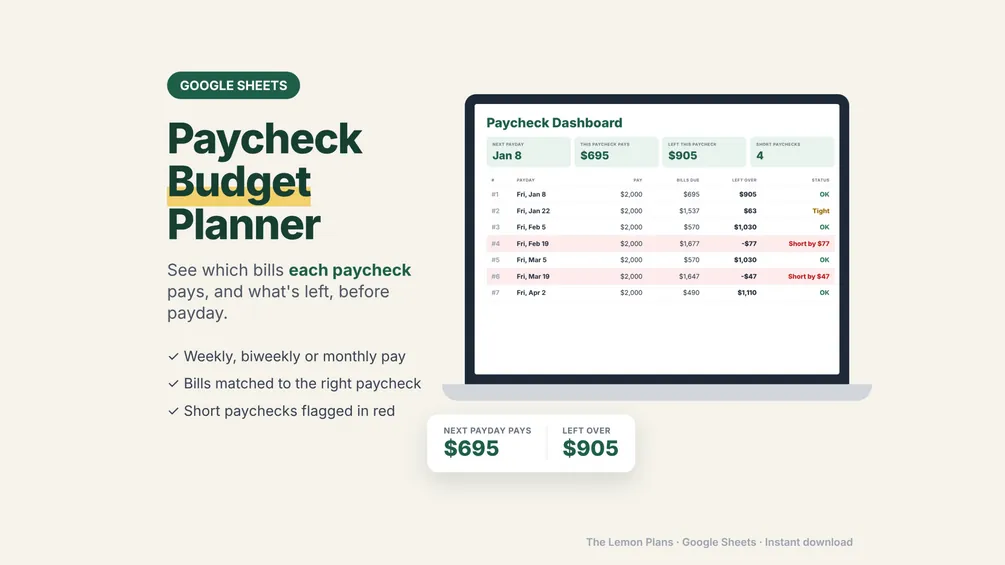
A paycheck budget template or biweekly budget template does this matching for you, with one column per payday instead of one per month.
Irregular income: plan on a low month
If you earn tips, commission or freelance pay, zero-based budgeting still works. You just plan more carefully:
- Budget on your lowest typical month. Look at the last six to twelve months and use a low but realistic figure.
- Rank your categories. Put housing, utilities, food, transportation and minimum payments at the top. Fill them first as money comes in.
- Send extra income down the list. In a good month, assign the surplus to the next items: buffer, savings, extra debt payments.
- Work toward budgeting last month's income. Over time, some people build a one-month cushion. Then this month's budget runs on money already in the bank, and the uneven months matter less.
Common zero-based budget mistakes
- Using gross pay. Budget the money that actually lands in your account.
- Forgetting non-monthly costs. Car registration and holiday gifts are predictable. Leave them out and they feel like emergencies.
- No room for small surprises. A small buffer line keeps one unexpected purchase from undoing the whole plan.
- Making it too tight. A budget with $0 for fun is hard to keep. A modest fun line is part of a realistic plan.
- Setting it and forgetting it. A budget that is never checked is a guess. A short check once a week is usually enough.
- Too many categories. Fifteen to twenty lines is plenty for most households. You can split a line later if you need more detail.
- Giving up after month one. Your first estimates will be off. Each month gets more accurate as you learn your real numbers.
Templates to make it easier
You can make a zero-based budget on paper, but a spreadsheet adds up the lines and shows "left to assign" for you. Here are three options from our shop, for Google Sheets and Excel. Each is a one-time purchase with no subscription, and your numbers stay in your own file.
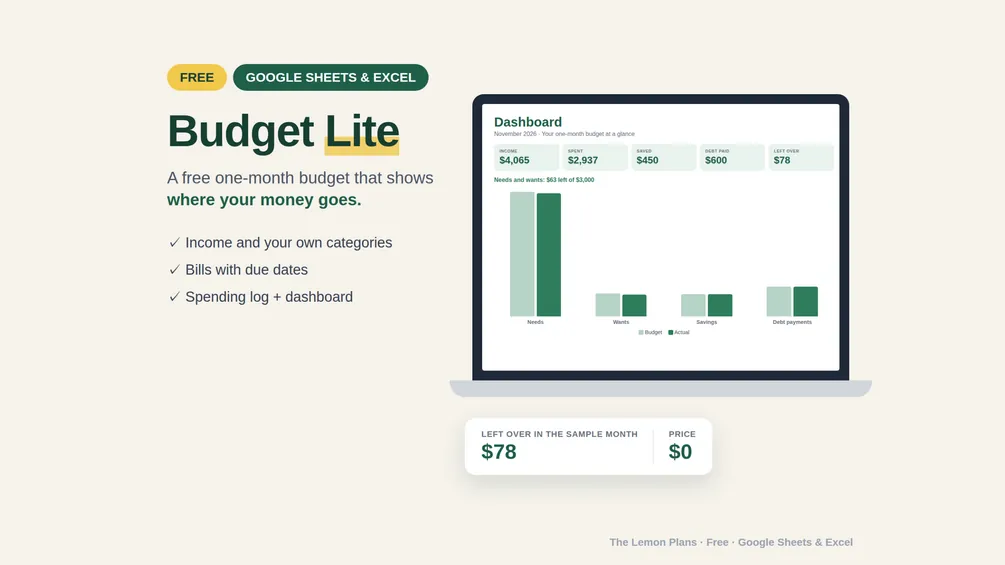
- Budget Lite is free: a one-month budget with income, your own categories, bills with due days, a spending log and a simple dashboard.
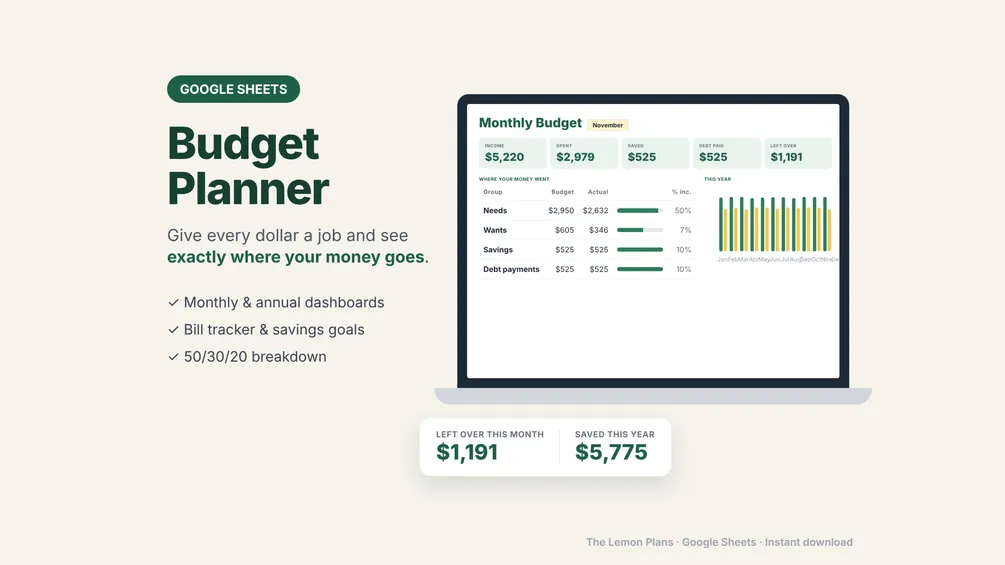
- The Budget Planner adds monthly and annual dashboards, budget vs. actual for every category, a bill tracker and savings goals.
- The Paycheck Budget Planner matches every bill to the paycheck that pays it, for weekly, biweekly or monthly pay, and flags a short paycheck before payday.
See all of our budgeting tools on the budgeting page.
This guide is general information, not financial advice. Check the numbers for your own situation.